INSERT CARTRIDGE. PRESS START.
NES games.
Synth hardware.
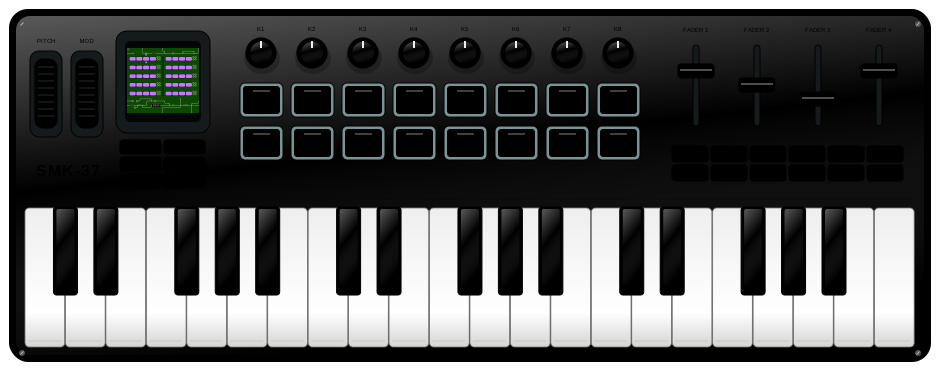
Your favorite little synth has a new game to play. Load a cartridge, turn up the chiptunes, and take 8-bit adventures from your browser to the FM-1.
FM-1 firmware · SMK37 browser simulator & development builds

THE STARTER COLLECTION
Small cartridges. Big ideas.
Three free homebrews. One click to play.
Or bring your own .nes or .zip.
02 / CODE-BREAKING PUZZLE
CodeMaster
Four symbols. Ten guesses. Crack the secret code.
Daniel Vukelich · GPL-3.003 / MINI ARCADE
Diamond Chase
A tiny chase with a chiptune reward. Find the yellow target.
TeneoPython01 · MIT03 / FIRMWARE DECK
Take the game with you.
Build a cartridge firmware locally, then install over USB. Your ROM stays on this computer.
Checking firmware version…
No device connected.
Installing replaces the current device application. Device game saves last until power-off or restart.
Load a cartridge to build firmware.
FM-1 picture, controls, USB updating, and both cores have been tested. Adaptive drawing prioritizes game timing and audio. Compatibility remains experimental.
SMK37 builds and controls are checked in development. SMK37 USB flashing is not enabled yet.
Install progress & recovery
Keep your instrument connected until its restart is verified.
Restore original FM-1 firmware
Restore the official M-VAVE V15 firmware. The file is included and verified before any transfer.
Ready when you need it.
This replaces NESynth with the original synth application.
Battery saves stay in this browser. Export a copy to take them with you.