First installation
Your keyboard must be running official firmware 016. Choose the same Pro or Elite model, select Automatic install / resume, then install over normal USB.
The first custom firmware for SMK-37 Pro & Elite. A revolutionary new way to play, shape, and sequence.
Play right in your browser or connect your keyboard. Expressive sounds, four tracks, and a hands-on Studio that feels like hardware.
This firmware is a beta.
Provided without warranty. Keep a backup of your sounds and settings.
Connect your SMK directly to the computer by USB and power it on. Open this page in Chrome or Edge.
Close Studio and other MIDI apps, confirm the version, then use the installer below. Do not unplug USB or switch off while writing.
Choose your SMK-37 Pro or SMK-37 Elite. The installer automatically downloads the required official 016 file from a pinned mirror, checks its checksum, and prepares Felucca SMK in your browser. No file selection or upload is needed.
Your keyboard must be running official firmware 016. Choose the same Pro or Elite model, select Automatic install / resume, then install over normal USB.
Automatic install / resume also switches from public Felucca, Sloop, Melodee or Doom with a compatible SMK USB updater. Felucca 0.9.22 and later and Doom updater 007 and later are supported. Earlier private Test11–Test21 builds use a different updater and require a separate migration; this installer will stop before writing to them.
Checking firmware availability...
Restore original M-VAVE firmware
Keep USB and device power connected until installation completes. First installation uses your model’s official loader. The prepared package changes application content only. Later Felucca updates enforce application-only writes, excluding calibration, projects and presets.
MIDI connection check — collect port names and identity replies without starting an update. Stock Elite/Pro loader trouble? Test the loader handoff without starting the flash-writing stage.
Choose a group to highlight the controls and learn what they do.
These are the Felucca SMK mappings. Custom firmware changes what the original panel labels do.
Open Studio →Play in your browser or edit your connected SMK
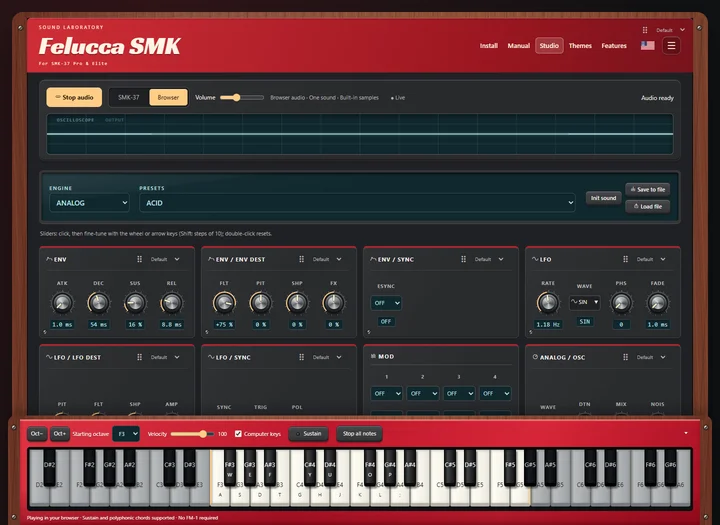
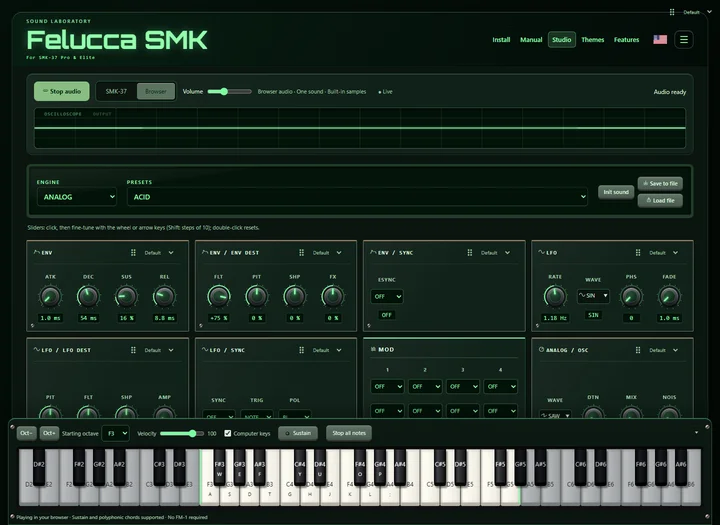
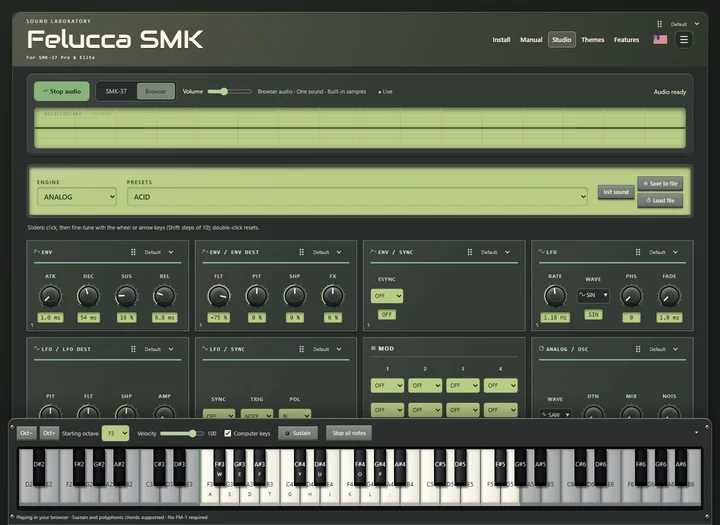
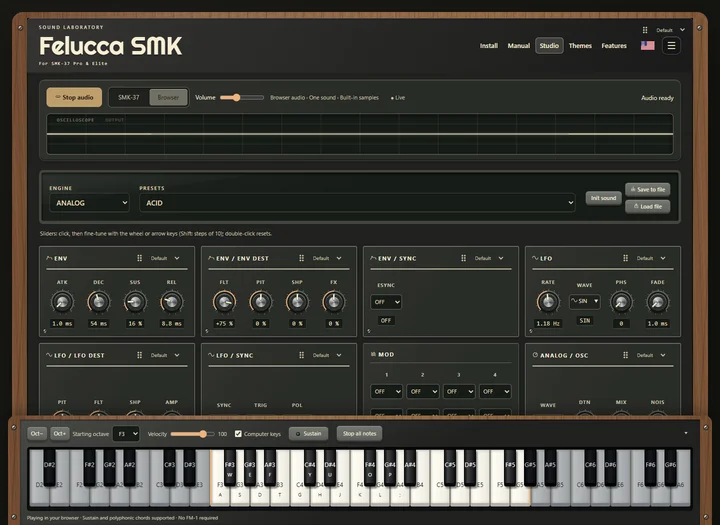
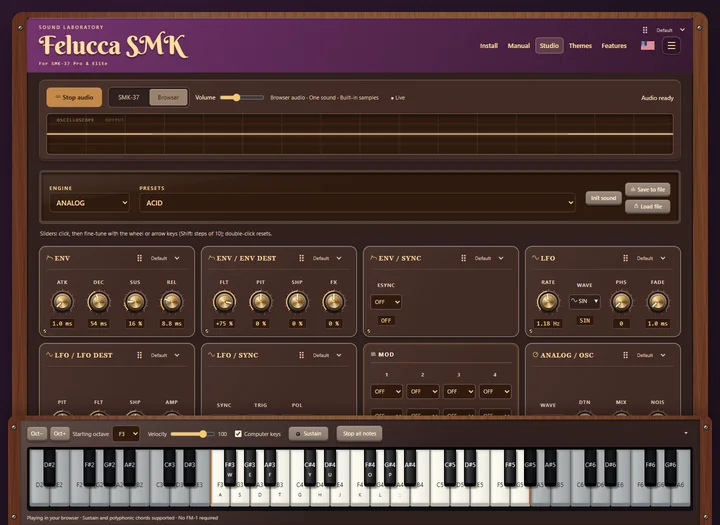
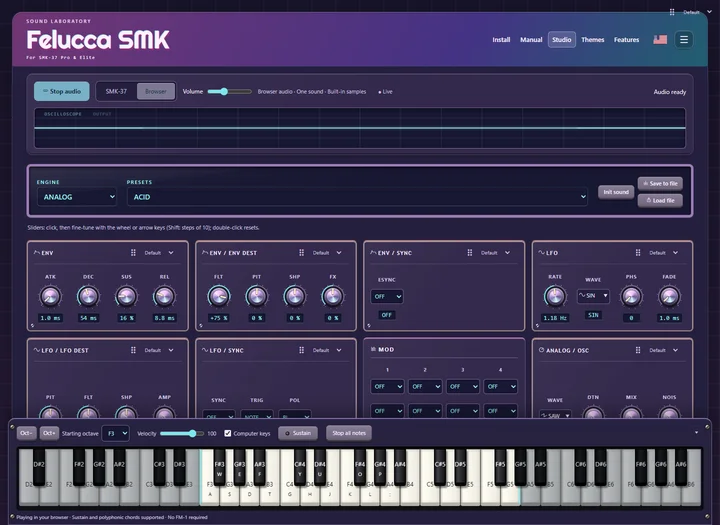
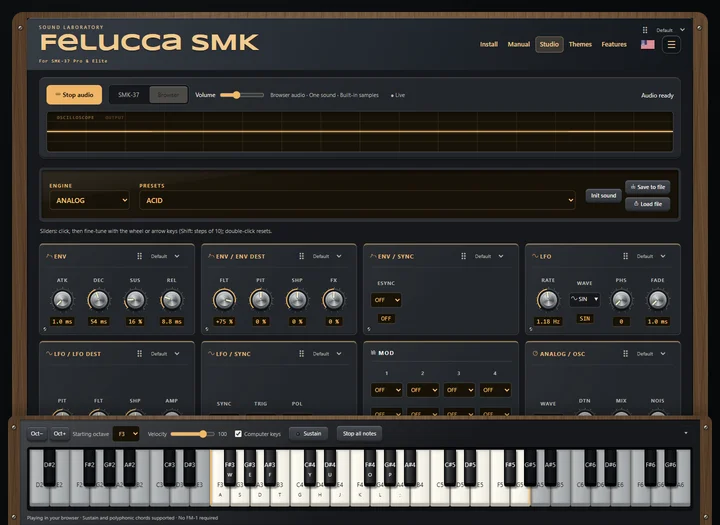
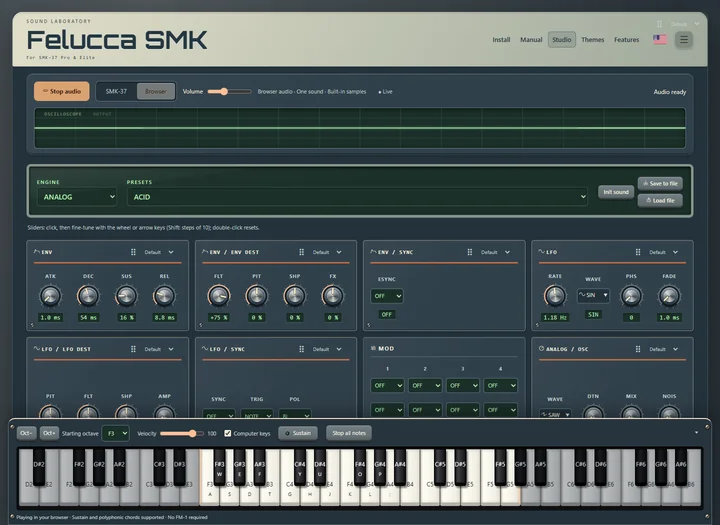
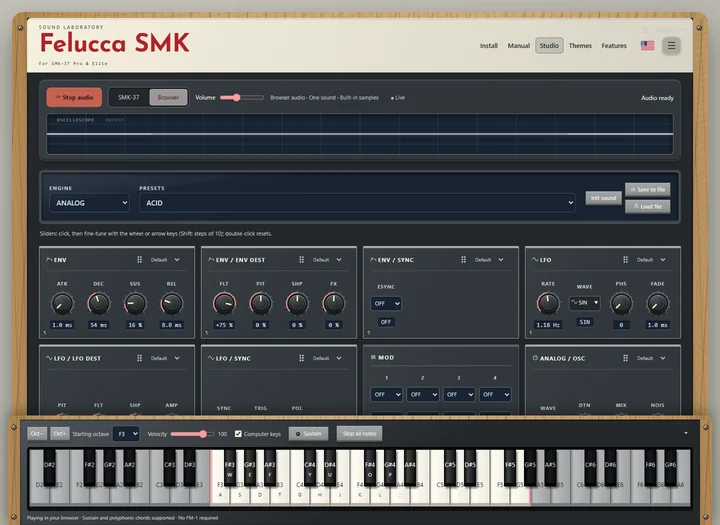
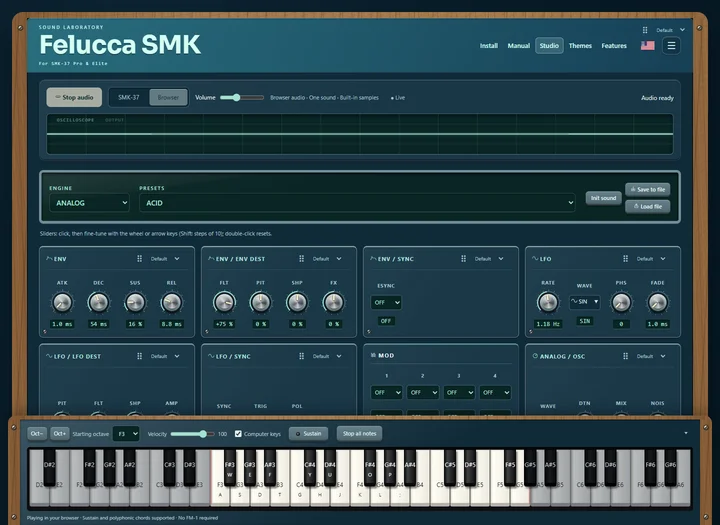
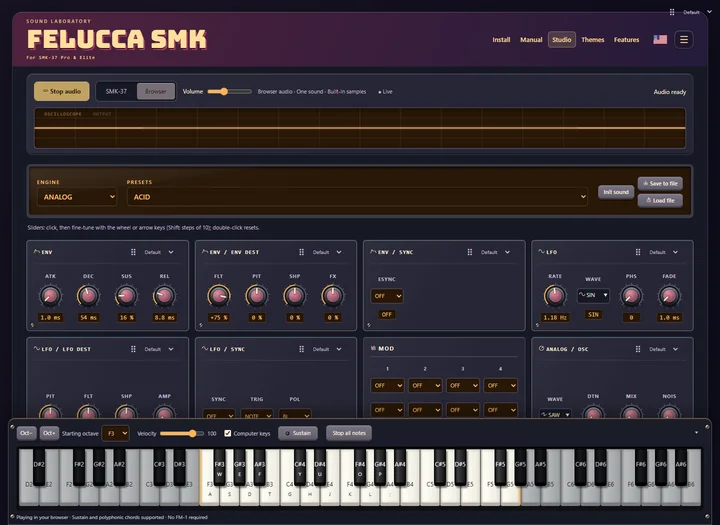
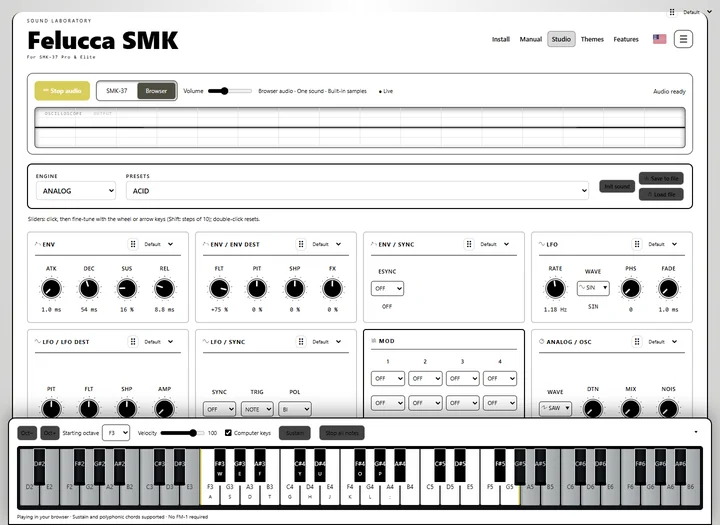
Choose a thumbnail to open Studio in that theme. Every theme also has light and dark modes.
Live Panel brings the keyboard's actual screen and controls into your browser. Physical keys and device lights are reflected on the panel, and browser controls operate the connected instrument.
Connect by USB, then use the screen icon to expand the display or return to the full hardware panel. Fullscreen gives the display more room.
Only changed areas are transferred. Narrow rectangle updates reduce sequencer traffic, and page changes redraw from the top.
Live Panel and Device Studio control your SMK. Simulator and Browser Studio play locally. Each mode has an icon and a tooltip explaining what it does.
Live Panel requires 0.9.27 or compatible panel firmware. Device Studio remains available for older compatible firmware. The mirrored display updates progressively; speed depends on USB and the device workload.
37 velocity-sensitive keys, sustain, pitch and modulation wheels, 16 pads with two banks, illuminated controls, and eight mapped encoders.
Explore the Felucca 1.5.1 engines and factory sounds, including six-operator FM. Shape each track with insert effects, delay, reverb, synced envelopes and LFOs.
Record and edit patterns, add parameter locks, and vary steps with probability, ratchets and timing nudges. A metronome and count-in help you record.
Arrange up to 16 sections. Each track can borrow a pattern from saved projects A–D or stay silent, with 1–16 repeats per section.
Reverse, shift, clear or generate a sequence, with one-level pattern undo/redo. Sound edits and preset loads have their own gesture-based undo/redo. Drum-lane tools let you work on one lane at a time.
Browse by engine or favorites, rename on the device, and sync stars with Studio. Up to 32 device preset slots store your sounds, including FM6 patches. Four project slots keep sounds, patterns, song configuration and settings together.
Mirror your connected SMK screen, keys and lights in Live Panel, or edit with grouped controls in Device Studio. Expand the live screen with the screen-only icon. Simulator and Browser Studio make sound without a connected device.
Bank 1 controls volume, tempo, presets, track, then four page parameters. Hold GLO for grouped navigation or BT for Settings. FM6 operator and envelope pages use upstream editing rules. The MIDI monitor shows events or sounding notes, including sustain. MIDI Learn and Program Change add external control.
Choose Stage Red, Matrix, Vintage DX7, Model D, Vaporwave and more for Studio. The device has 23 palettes and regular or bold text, including light and high-contrast choices.
Parameter cards put four values across the top of the screen. A compact header shows track, tempo and transport; the middle panel brings together a four-track overview, envelope and LFO graphs, a live oscilloscope, or a 16-step pad grid.
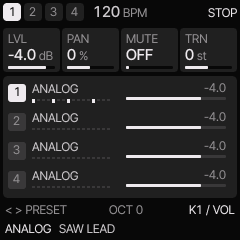
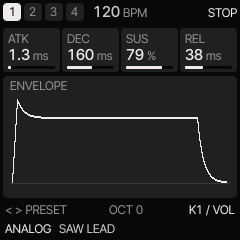
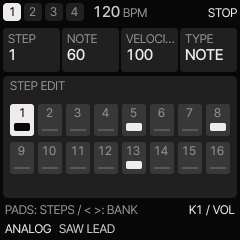
Device previews show the track overview, envelope and step-editing pages. Use the SMK controls or Live Panel to navigate them.