01 / THE SOUND EXPLORERPUBLIC BETA
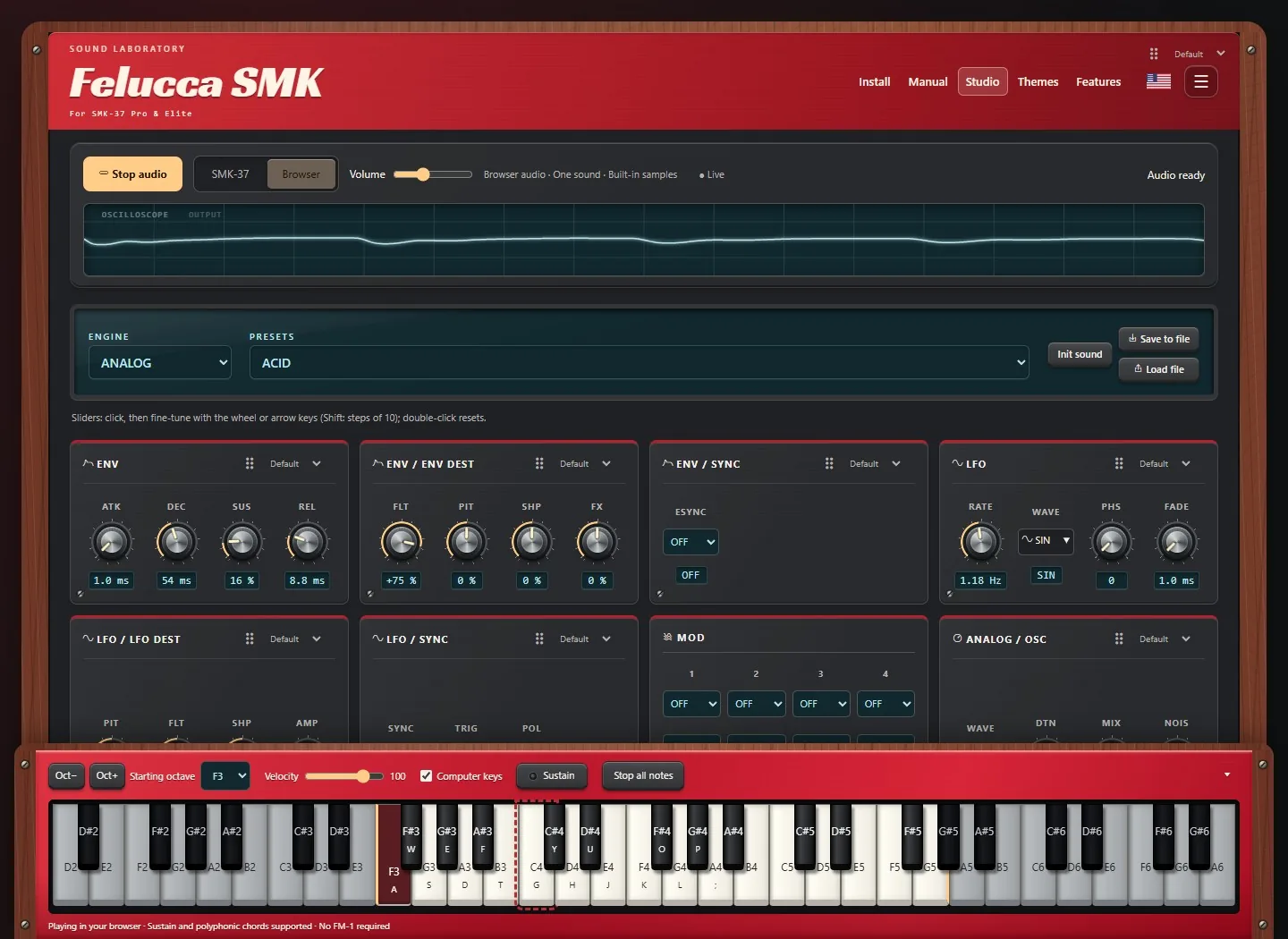
Felucca SMK
Go deep into synthesis. Shape a sound, find a new favorite, and turn a small keyboard into a much bigger instrument.
Same keyboard. A whole new personality.
Custom firmware and browser playgrounds
for the SMK-37 Pro & Elite.
01 / PICK YOUR PERSONALITY
Follow your curiosity. Each project has its own
sound, workflow, and place to explore.
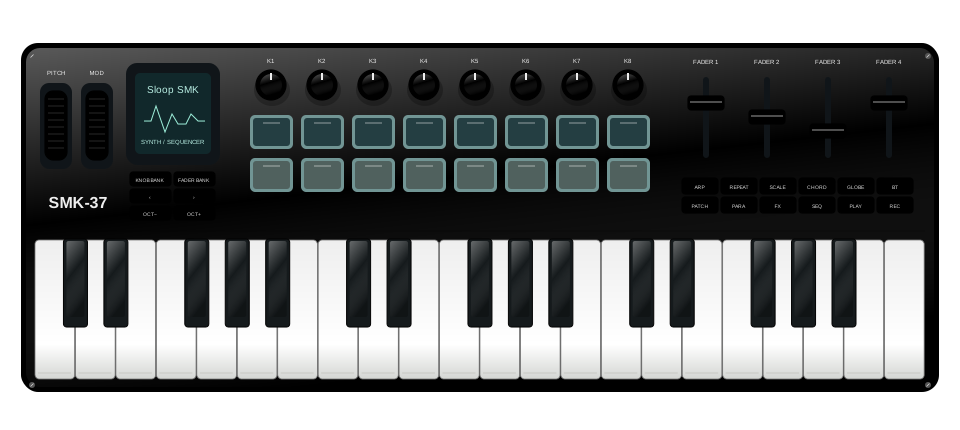
Go deep into synthesis. Shape a sound, find a new favorite, and turn a small keyboard into a much bigger instrument.
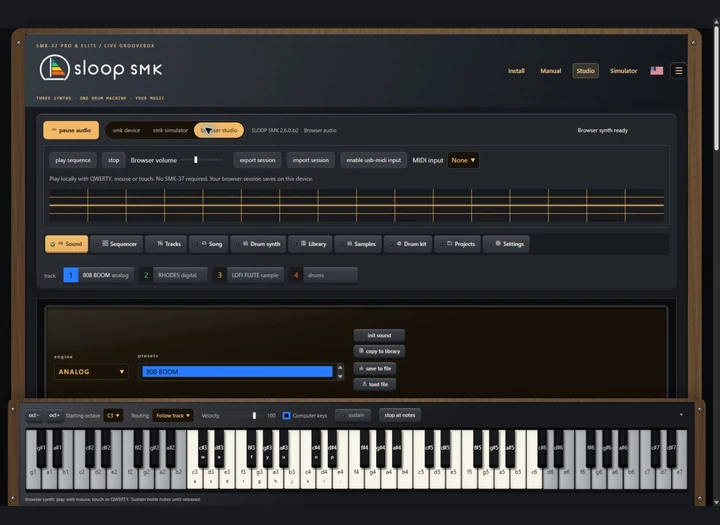
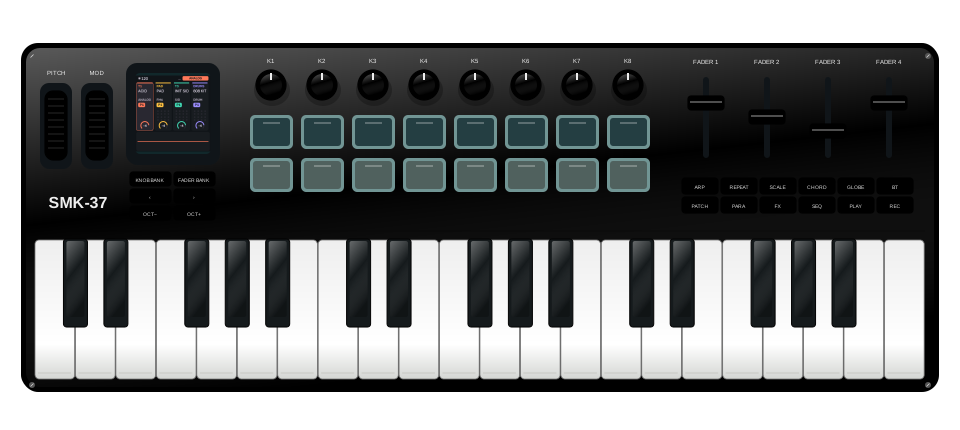
Start with a beat. Layer synths, build patterns, and keep the ideas moving with a performance-minded groovebox.
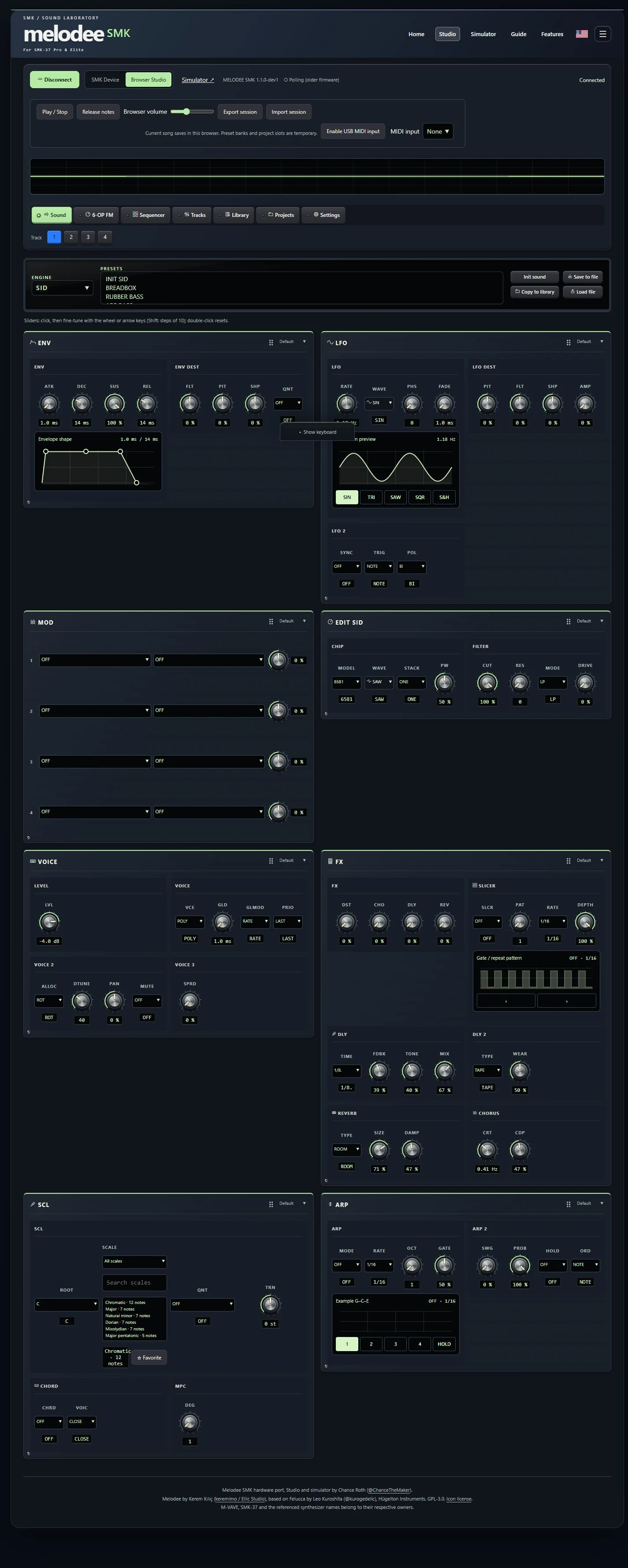
Explore Prophet, FM6, CZ-1, SID and drums on your SMK, in the native browser Studio or simulator. Experimental hardware beta.
 FM-1 / SMK
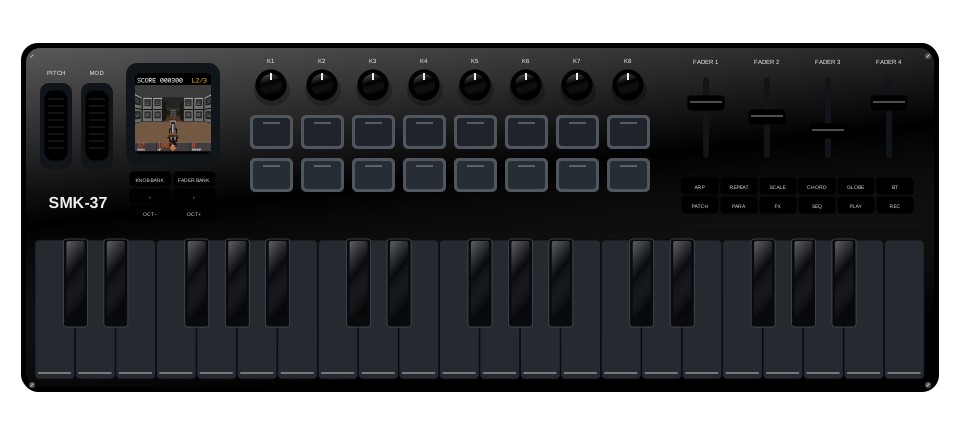
Trade chords for a shotgun. Play nine original levels on FM-1, SMK-37 Pro or Elite, with three weapons, music, sound effects and a classic HUD. Try it in your browser, too.
 FM-1 / SMK
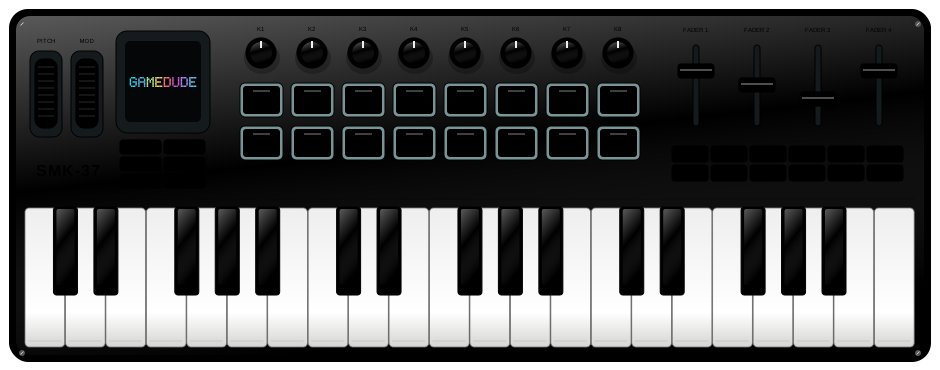
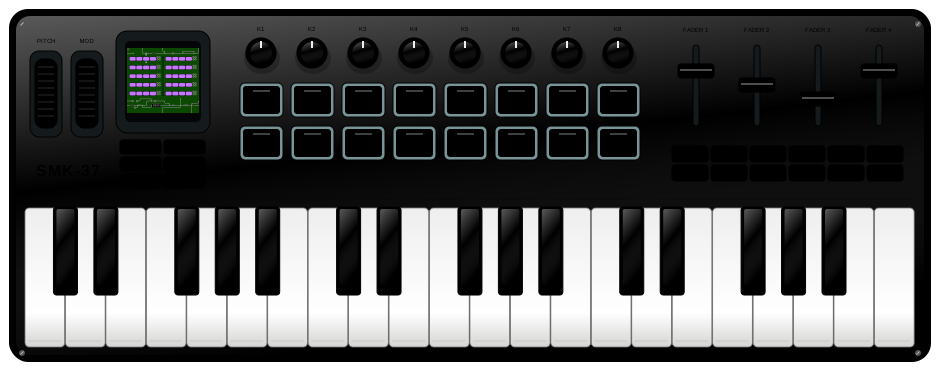
Bring your own Game Boy ROM and play on illustrated FM-1, SMK Pro or Elite controls. Prepare and install FM-1 firmware in your browser. SMK hardware support is in development.
 FM-1 / SMK
Drop in a NES ROM or ZIP, or try the included homebrew games. Play in your browser and build and flash FM-1 firmware over USB. SMK37 simulators and development builds are also available.
02 / NO KEYBOARD? NO PROBLEM.
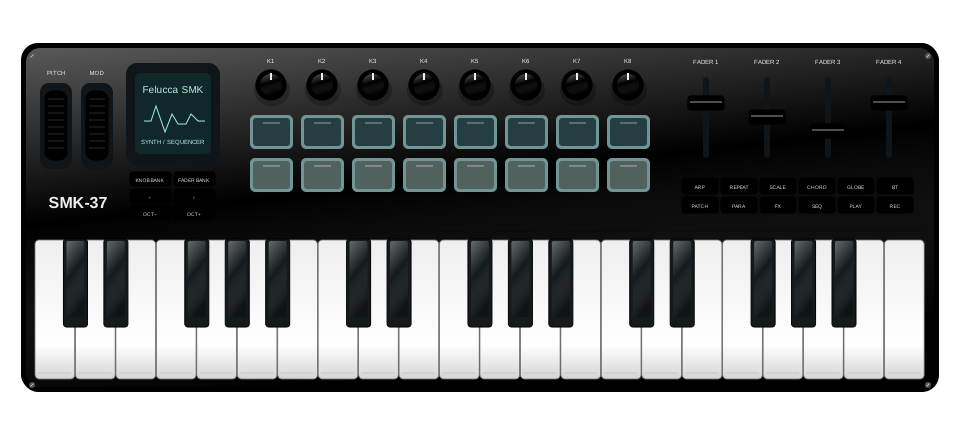
Meet the hardware in a browser simulator,
or spread out in a full-size Studio.
No firmware installation needed to try them.
Browser audio starts after interaction. Chrome or Edge is recommended for USB MIDI and the web installers.
03 / THE WORKBENCH IS OPEN
SMK Lab brings independent firmware projects and their browser tools together. Built by people who keep asking, “What else can this thing do?”
Have a firmware project, editor, simulator, or useful SMK resource? Send it over. Every listing is reviewed before it joins the collection.
The linked projects are custom beta firmware. Read the selected project's compatibility notes, backup instructions, and release information before installing. Use that project's installer for its supported hardware. Browser simulators can be explored without changing your device.
Fill out the submission form, then post the prepared request on GitHub. The review queue lives in the SMK Lab repository. A GitHub account is required. Requests are public, so do not include private information. Submission does not automatically publish a listing; Chance reviews the site before adding it.